You can now add videos to prototypes in Figma
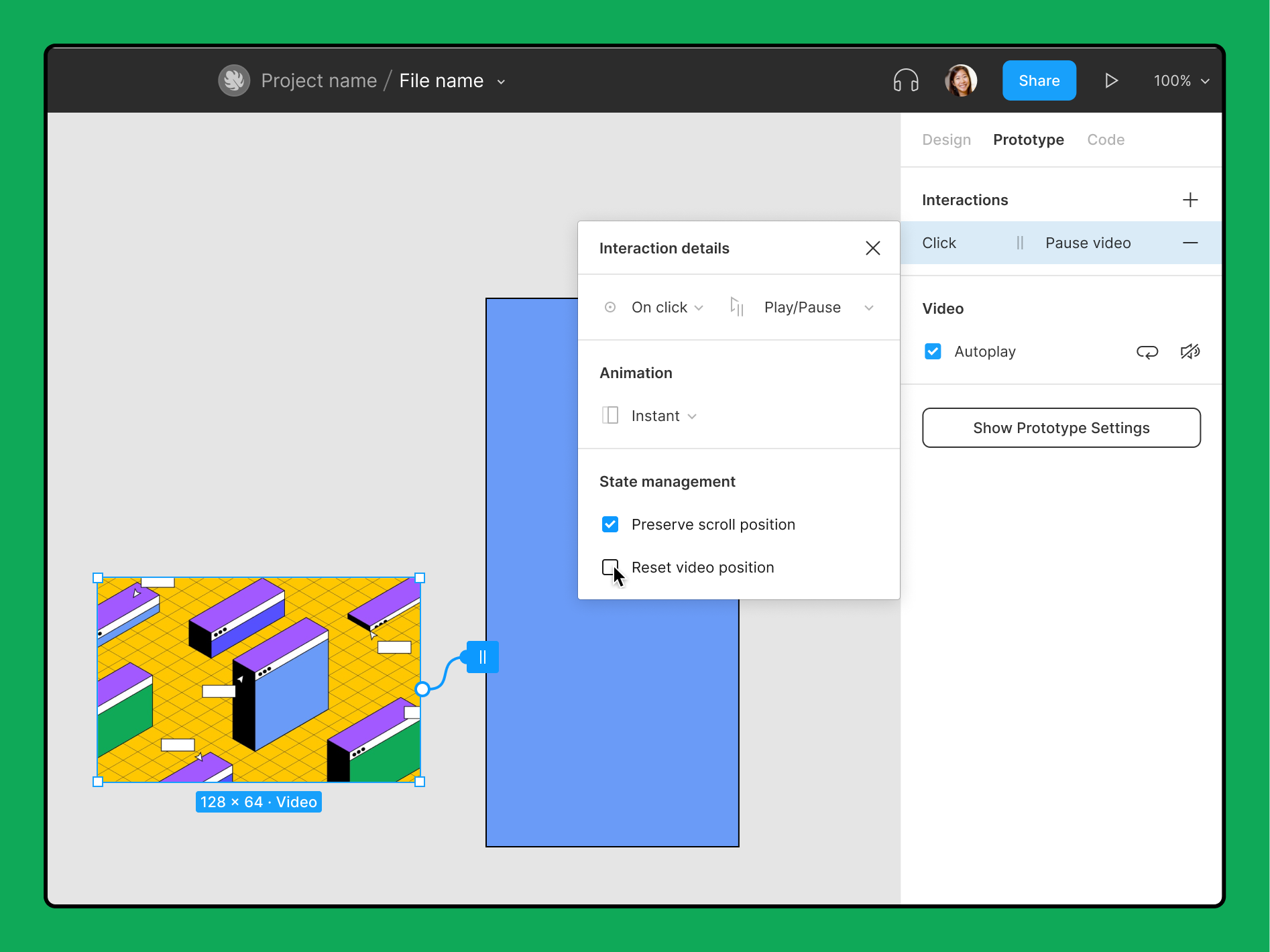
Figma continues to develop, now you can add videos up to 30 MB in MP4 format to layouts.
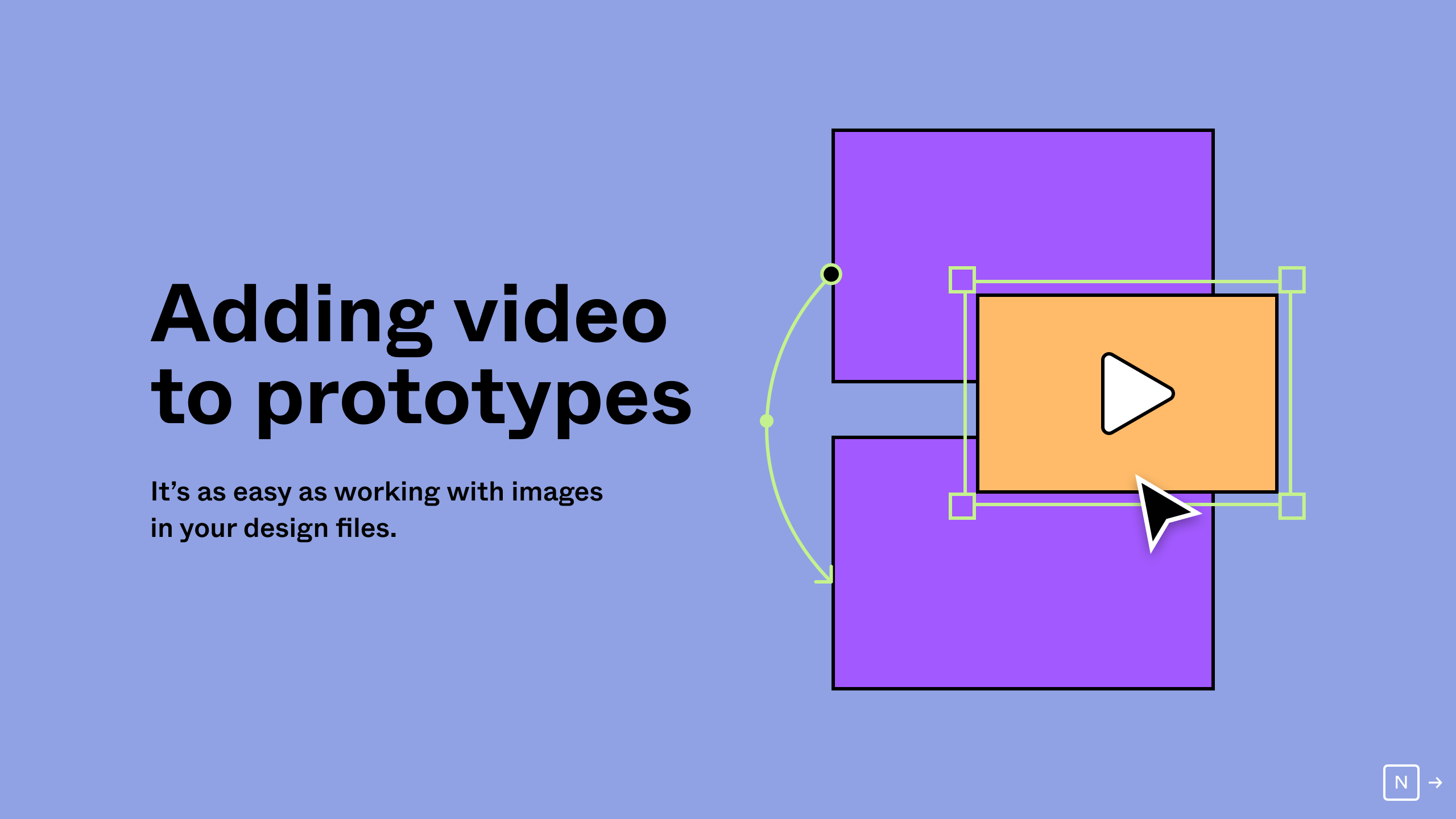
Previously, only GIFs worked in Figma, but now it will be possible to insert videos into layouts.
Format: MP4
Size: up to 30 MB
0:00/1×Video: Figma
Unfortunately, the new feature will only be available in the Pro, Organization, and Enterprise plans. Videos will play in the prototype — like GIF, but with sound. In free teams, you won't be able to upload videos, but you can use videos already uploaded and posted to the Figma Community by other users.
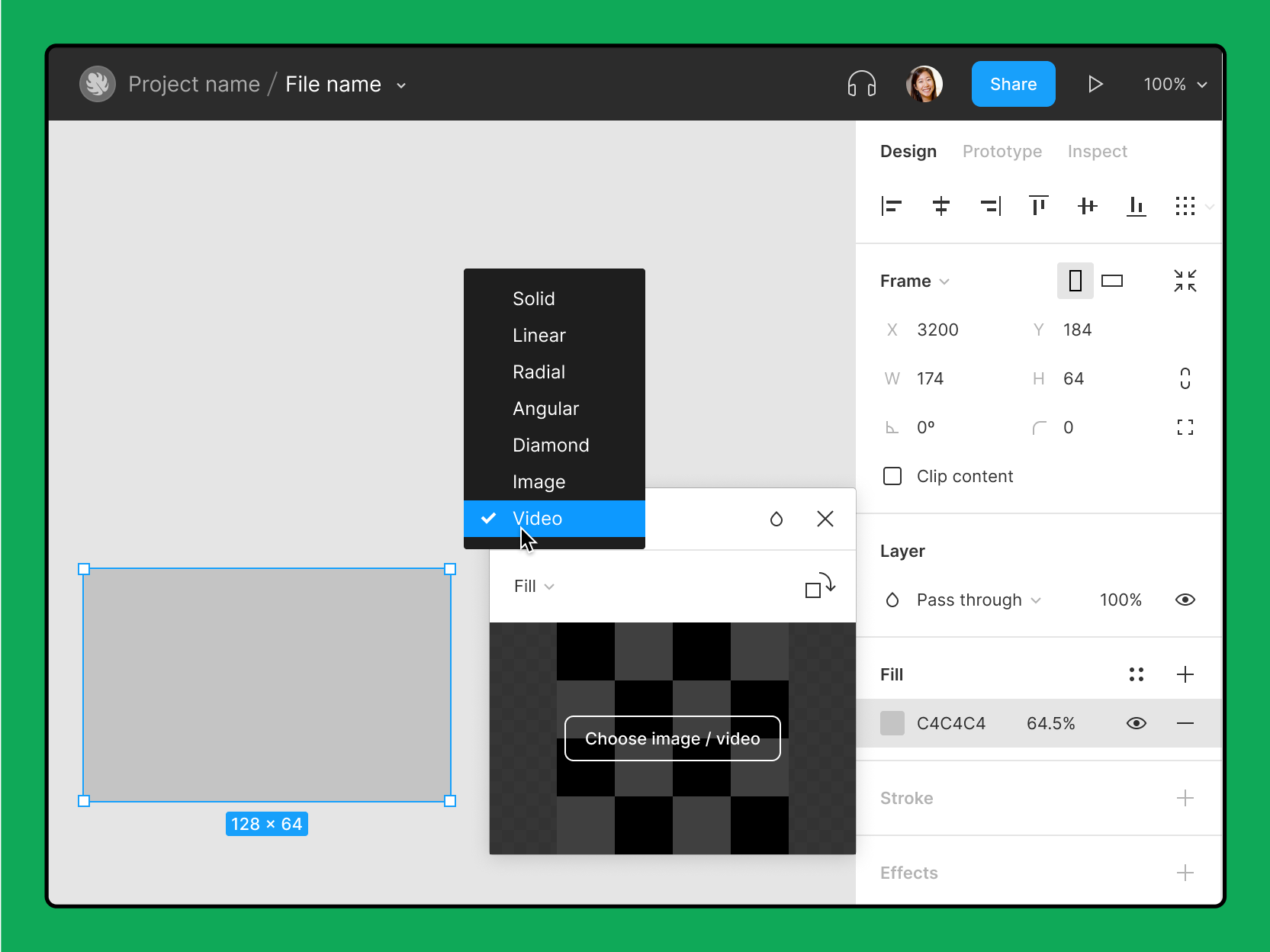
The video can be paused and muted by interacting with elements in the prototype. You will only need to create links between frames where the video is playing and where it is stopped or the sound is muted. Learn more about the new feature in this file and article.
ウィッグの候補を比べる場合は、毛質、耐熱性、長さ、セットのしやすさを同じ基準で確認しましょう。用途に合う候補を整理するときは、ブルアカ コスプレウィッグで商品内容を見比べられます。セットするときは耐熱温度を守り、目立たない部分から少量ずつ試しましょう。
By the way, now when editing prototypes, you can select several connections at once by dragging the selection area. It is also now possible to "pull" new connections from any corner of the object, to make it easier to navigate through these tangles of lines.